

A restaurant website built from your menu, not from scratch
Parsley generates your homepage and contact page from your menu and locations during setup. Then edit any page with restaurant-ready blocks, set your fonts and colors, and publish on your own domain with SSL. No designer, no developer, no hosting bill
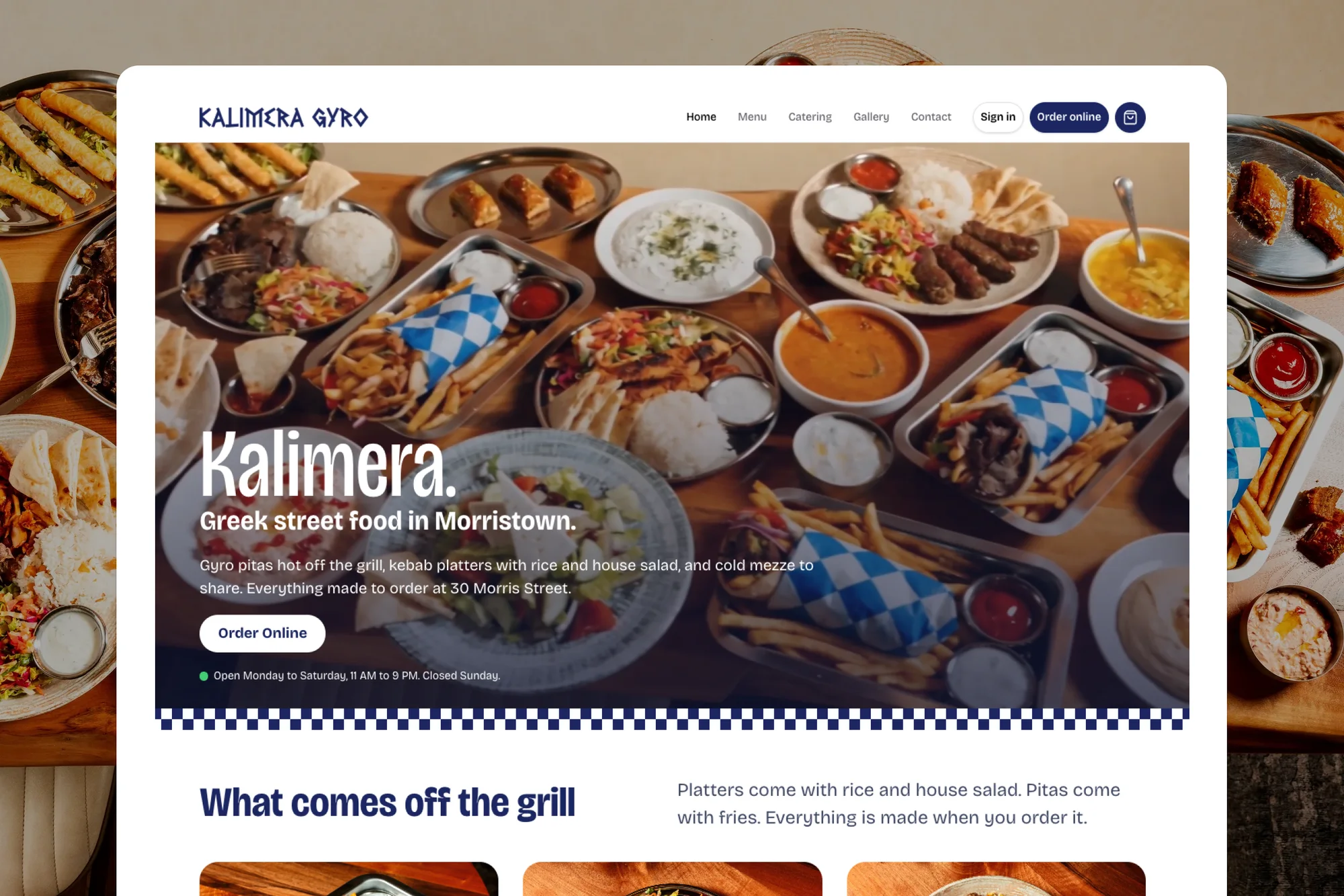
The front door your restaurant deserves
Most restaurant sites are slow, out of date, and send guests to a marketplace. Yours will do the opposite
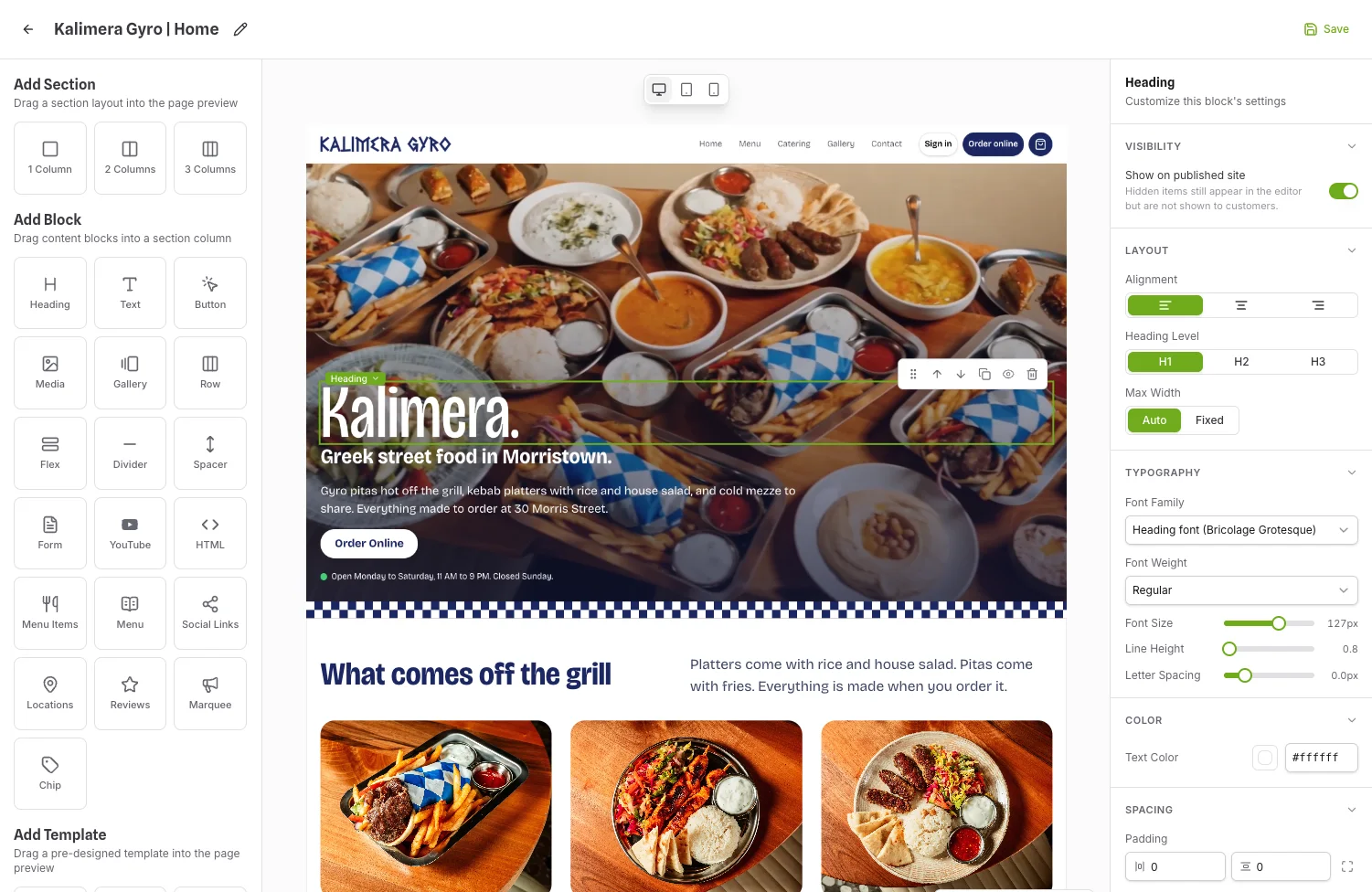
Generated, then yours
Setup writes your homepage and contact page from your menu and locations. Regenerate a section or edit it block by block
Blocks made for restaurants
Menu, menu items, locations with hours, galleries, reviews, forms, accordions, video, marquees, and more, laid out in one, two, or three columns
Menu and hours, always live
The menu and location blocks read from the same data as your ordering, so a price change or a new closing time is on the site the moment you save it
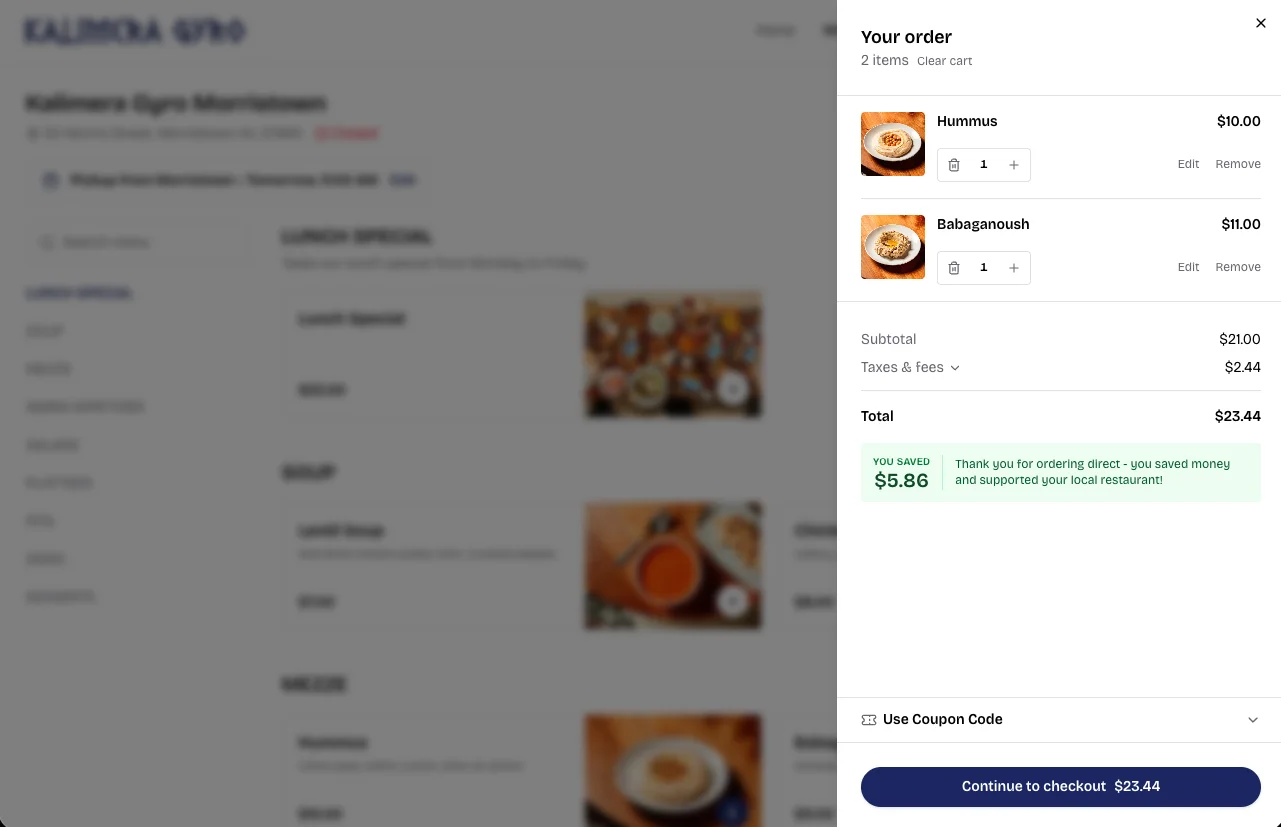
Every page points guests toward an order
Website and online ordering on one domain, so Google ranks it higher
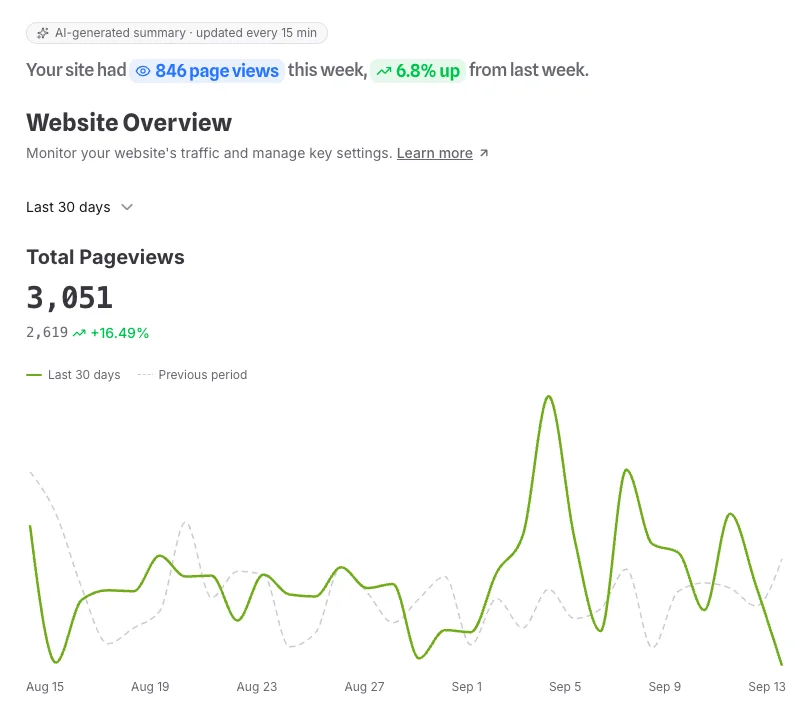
Detailed analytics on who visits, and when
Built to be found by Google and by AI
Questions about Restaurant Website
Can I use my existing domain?
Yes. Add the A and CNAME records Parsley shows you, click Check DNS, and SSL is issued automatically once the records propagate, usually within hours and at most 48. Your free Parsley subdomain stays live the whole time.
I already have a website. Do I have to start over?
No. Keep your site and link it to your Parsley ordering page, or move over when you are ready. Setup generates a homepage and contact page from your menu and locations, so the rebuild starts most of the way done.
Do I need a designer or a developer?
No. Every block is built for restaurants and lays itself out for phones and desktops. You pick fonts, colors, and photos. There is an HTML block for custom code and a tracking page for your pixels.
How much does hosting cost?
Nothing. Hosting, SSL, and updates are included with your Parsley account. Optional extras such as the accessibility widget and a done-for-you design service are paid add-ons.
Can visitors land straight on the menu?
Yes. Homepage Mode has two settings. Website shows the homepage you built. Menu sends anyone who opens your domain straight to the ordering menu, while your other pages stay live and reachable from the navigation. Switch between them any time and the change is immediate.
How do I show up on Google and in AI answers?
The SEO page sets your meta title, meta description, and social share image, with a live preview of the Google result, and any page can override them. Every site also publishes a sitemap.xml, a robots.txt, and an llms.txt with Markdown versions of your menu and locations, so search engines and AI assistants read your pages, dishes, prices, and hours directly.
Can I take catering or contact requests through the site?
Yes. Build a form under Website → Forms with the fields you need, set the button text and the thank-you message, and drop it on any page with the Form block. Submissions collect in your admin, and a form can be switched off without deleting it.
Can I see how the site is doing?
The Website Overview shows page views, unique visitors, top pages, and top sources for today, the last 7 days, or the last 30 days, each compared with the period before, plus an AI-written summary that refreshes every 15 minutes. For your own tools, the Tracking page connects Google Analytics, Google Tag Manager, Meta Pixel, TikTok Pixel, and Hotjar.

Free to start.
Ready when you are
Restaurant Website is part of every Parsley account. Your first pages are generated during setup