

Run your restaurant by asking
The AI Assistant lives inside your Parsley admin and works from your live data. Ask for last week’s sales, mark an item sold out, change a price, draft a review reply, or update your website, and confirm each change with one click
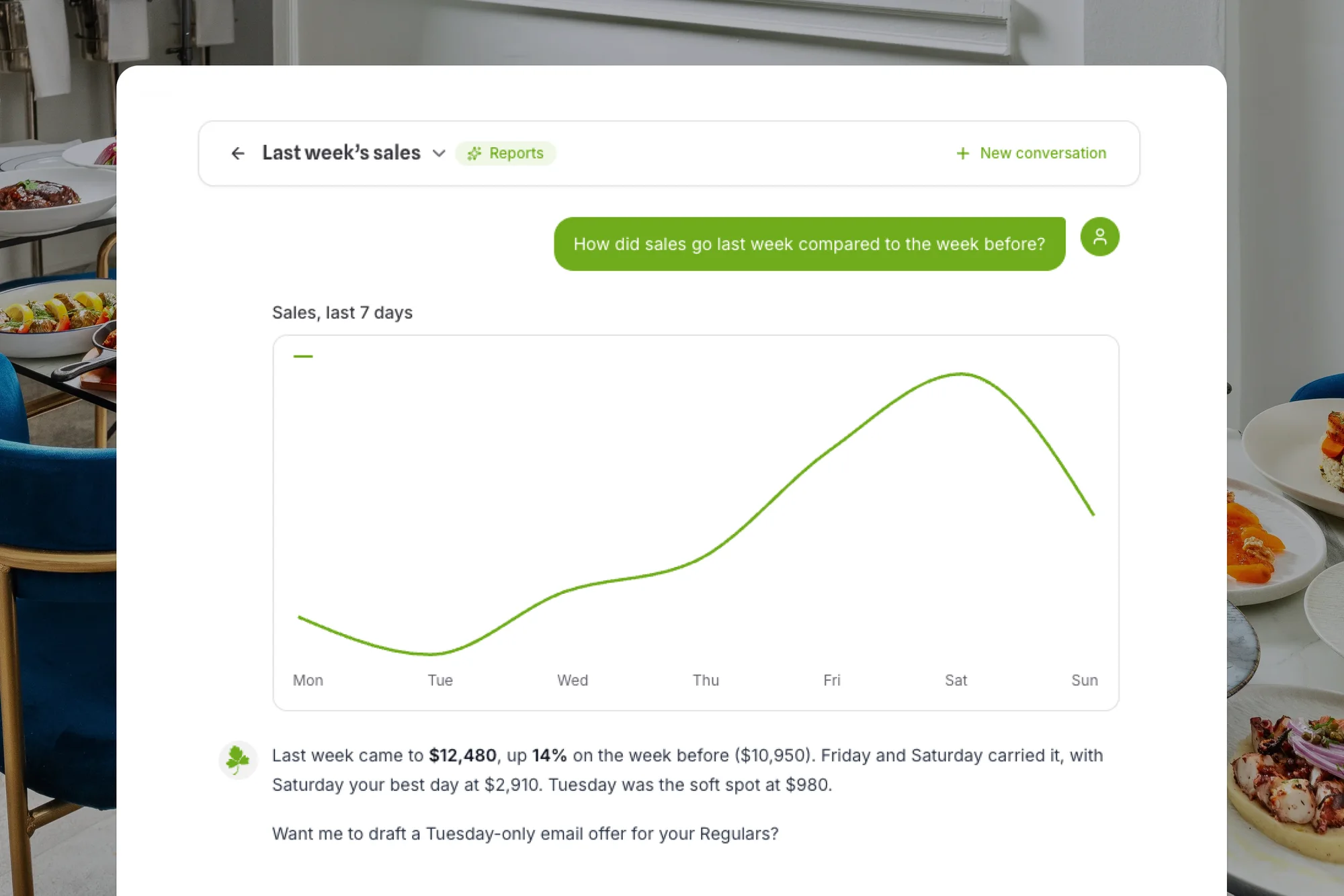
One place to ask, instead of ten places to click
Your menus, orders, guests, reports, website, and Google listing are all in Parsley. The assistant reaches all of them from one chat
Reports in plain English
Sales, order counts, average ticket, top items and categories, and breakdowns by location, service type, and payment method, answered as charts and tables
Changes, done for you
Update prices and item details, mark items or modifiers sold out, edit hours and holiday overrides, and manage coupons, discounts, loyalty, and gift cards
Confirm before anything changes
Every edit is staged as a confirmation card showing exactly what will change. Nothing is written until you click Confirm, and it only does what your role allows
Knows your restaurant like a veteran manager
Refund an order or call a courier, from the chat
Edit your site or answer a Google review, from the chat
Bigger jobs become a few questions, then a confirm
Questions about AI Assistant
Who is the assistant for?
Your team, not your guests. It runs inside the Parsley admin for anyone you give access to, and it works from your live menus, orders, guests, reports, website, and Google Business Profile.
Can it make changes on its own?
No. Every change is shown first as a confirmation card with the exact details, and it happens only when you click Confirm. It also respects your user permissions, so it cannot do anything your role could not.
What can it not do?
It cannot send email or SMS campaigns, and it will tell you when a question is outside what it can see. Like any AI, it can make mistakes, so answers are worth a second look before you act on them.
Does it keep a history?
Yes. Conversations are saved for your restaurant, so you can pick one up later, rename it, or delete it.

Free to start.
Ready when you are
AI Assistant is built into the Parsley admin. Open it from the sidebar and ask